
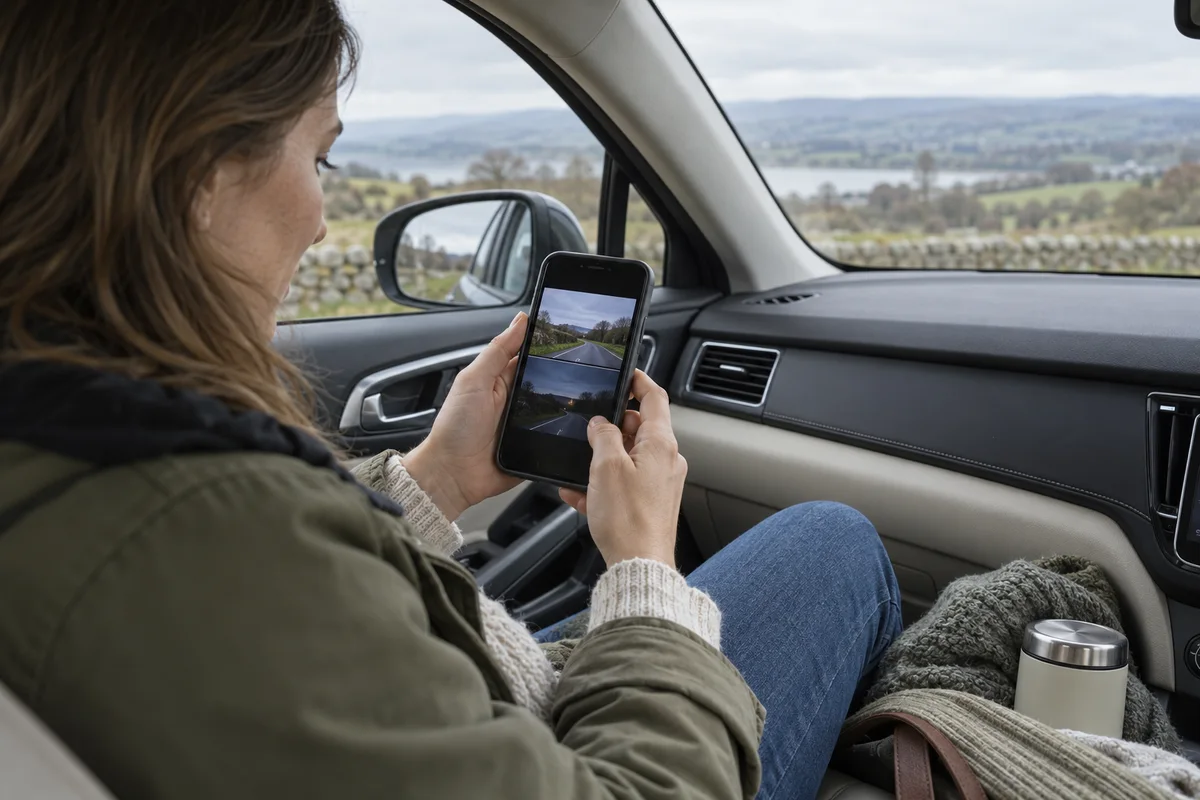
AI-generated scene illustration; not a photograph of the recommended product.
The front recording looks dark under trees while the rear view seems washed out in afternoon sun. Turning every brightness-related control upward is tempting, especially when a phone preview makes the difference look dramatic. It can also leave you with a different problem and no clear record of what changed.
A VIOFO A329S provides a separate exposure-value control for each camera. Use that separation to investigate a specific view, not to chase a universally brighter image or an unsupported promise of perfect number plates.
The short answer
The A329S manual lists Exposure Value from -2.0 to +2.0, with 0.0 as the default, and says cameras can be adjusted separately. The control is a supported setting; it is not a measurement of how much detail a particular scene will retain.
Begin with the correct model’s instructions and a recorded baseline. Make one modest supported change at a time, compare original files under reasonably similar conditions, and keep the setting only if it improves the task you actually need. Do not configure or review while driving.
Contents
- The short answer
- Identify which image is disappointing
- Start from a known baseline
- Treat positive and negative changes as tradeoffs
- Leave installation variables alone during the comparison
- Compare the channels independently
- Keep a comparison worksheet
- Buying advice
- Frequently asked questions
- Sources and verification
Identify which image is disappointing
Write the problem in ordinary language. “The rear view loses the shape of a bright sign” is more useful than “the camera needs better exposure.” Note the channel, approximate lighting, glass condition and whether the problem affects still or moving objects.
Check an original file before adjusting anything. A compressed messaging copy, a phone with automatic display brightness or an enlarged preview can make a recording look different without changing the saved information.
Keep that distinction visible when shopping. A premium-looking display does not prove a better captured file, and a dim preview is not a diagnosis of failed hardware. If the original plays incorrectly or has missing sections, investigate that separately.
Start from a known baseline
The manual’s default is 0.0, but do not assume that your camera still uses it. A previous owner, installer or earlier adjustment may have changed the configuration. Record the actual value for each connected channel.
Also note resolution, frame rate, HDR state and relevant image accessories. Our HDR and 60fps comparison explains why those choices should not be mixed casually into an exposure experiment.
Avoid a full reset merely to obtain a baseline if it would disturb other important settings. First preserve the configuration and any necessary footage. When instructions or controls differ from the current manual, obtain exact-model support rather than copying another camera’s button sequence.
Treat positive and negative changes as tradeoffs
A more positive exposure-value setting is not a free detail upgrade. An image that looks brighter overall may make an already bright region less useful. A darker-looking setting can likewise leave shaded information difficult to interpret.
The manufacturer does not give a universal EV value for every vehicle, windshield and journey in the cited manual. This guide therefore does not prescribe a number for rain, night driving or tinted rear glass.
Choose by the relevant scene information, not by which thumbnail looks most vivid. Keep the original comparison and inspect the areas that prompted the question. If neither alternative resolves the issue, that is a useful result rather than a reason to keep increasing the setting.
Leave installation variables alone during the comparison
Check that the glass and lens are maintained using approved methods and that the camera has an appropriate view. Our rain and glare guide covers those physical checks in more detail.
For the exposure comparison itself, do not also move the mount, rotate a filter and change the frame shape. Several simultaneous changes can produce an attractive result without showing which one mattered.
Never create a dangerous driving situation to reproduce a scene. Make settings changes only when safely parked, then use ordinary lawful journeys if comparison footage is needed. Stop troubleshooting when visibility or vehicle operation is unsafe.
Compare the channels independently
The rear camera looks through different glass and faces different lighting. Copying the front value to the rear is convenient, but convenience is not evidence that it fits both views.
Retrieve the front and rear originals from a similar time and record the channel identity carefully. A combined preview can make small differences hard to assess. Inspect the intended output at a reasonable size rather than assuming the live display is the final file.
Do not use EV as an undocumented substitute for a compatible camera module, correct mounting or another supported configuration. If a seller claims a particular accessory will fix the problem, obtain evidence for the exact A329S package before spending.
Keep a comparison worksheet
| Field | What to record |
|---|---|
| Problem | Specific scene information that is hard to see |
| Channel | Front, rear or another actually installed camera |
| Baseline | Actual EV and other relevant recording settings |
| Change | One supported EV adjustment |
| Conditions | Approximate light, glass condition and ordinary route |
| Outcome | Original-file improvement, regression or inconclusive result |
Include an inconclusive option. Two journeys with substantially different light may not support a fair conclusion. Do not turn that uncertainty into a precise performance score or claim a percentage improvement.
Buying advice
Consider A329S if its independently adjustable views form part of a wider recording arrangement that meets your needs. The adjustment may help you evaluate a real installation, but it is not proof that buying the camera solves every exposure problem.
Keep an existing suitable camera if a supported configuration or physical maintenance addresses the concern. Pass on a purchase justified by guaranteed plate capture, a claimed universal “night setting,” or a comparison based only on differently processed previews.
Read the A329S product overview for package and ownership context. The partner CTA is a complete-camera listing, not a paid calibration service or a promise that the photographed illustrative setup represents tested hardware.
Frequently asked questions
What EV range does the A329S manual list?
It lists -2.0 to +2.0 and identifies 0.0 as the default. Check the actual setting on your unit rather than assuming it remains unchanged.
Must the front and rear use the same value?
No. The manual says exposure value can be adjusted separately for the cameras. Evaluate the actual view from each channel.
Will a brighter preview recover every dark detail?
No. Preview appearance does not establish captured detail, and exposure choices involve tradeoffs in different parts of the scene.
Is this a night-driving performance test?
No. It is a controlled owner-check and purchasing framework based on documented controls. We have not tested image performance.
Sources and verification
Checked October 25, 2026. No road test, measured exposure advantage or guaranteed identification result is claimed.
- A329S manual: independent exposure-value control
- A329S official two-channel specifications and package
Keep reading
Related guides
 Garage & Workshop
A229 Plus Privacy Mode: Check the Short File Window
Check how A229 Plus Privacy Mode limits ordinary saved files before assuming a larger card will retain a full commute or erase every trace.
Read guide → Garage & Workshop
A329S 21:9 Video: Compare the Saved Frame
Compare A329S widescreen pixel dimensions with the full-height option, then check actual front and rear framing before buying for road coverage.
Read guide → Garage & Workshop
A229 Plus USB Cable: Data Is Not Vehicle Power
Identify the A229 Plus short USB data cable separately from vehicle power and hardwiring before buying replacement accessories or a camera kit.
Read guide →