

The phone cable slips behind the nightstand, a watch charger occupies the only outlet, and unplugging a guest lamp requires moving the bed. The clutter is usually a power-route problem before it is an organizer problem.
This guide does not claim hands-on testing of every option on the market. It translates an everyday household problem into a practical buying checklist, so you can compare current products against your own room, routine, and tolerance for maintenance.
The quick answer
Count nightly devices, choose a certified power solution appropriate to them, and route short accessible cables through a stable tray or clip. Keep power hardware ventilated and off bedding or other heat-trapping surfaces.
What to look for before you buy
Start with the constraint that creates the most friction in your home. A feature is valuable only when it changes that constraint without adding a harder storage or cleaning problem.
Count real devices
List what charges every night and what can charge elsewhere. Extra ports invite cables that never leave.
Plan outlet access
Avoid sharp cable bends and overloaded adapters. Follow device and charger safety guidance.
Control the drop zone
A shallow tray keeps the phone, watch, and earbuds visible without becoming storage for coins and receipts.
Choose by household scenario
The same product format can be helpful in one room and irritating in another. Use these scenarios as a shortlist, then verify dimensions, care instructions, and current availability on the seller or manufacturer page.
One phone
A simple cable clip and tray can solve the problem without a multi-device dock.
Phone and wearables
A compact stand can align devices while keeping each proprietary charger replaceable.
Shared nightstand
Give each side a cable path and keep the center clear for a lamp or water.
What not to overpay for
A long feature list can distract from fit. Skip complexity that does not remove a repeated household step, and be cautious when a specialized replacement part is essential to basic use.
- Running damaged or tightly pinched cables behind furniture.
- Covering chargers with bedding.
- Buying a dock that locks the household into connectors it expects to replace soon.
Make the purchase survive real life
Return devices to the same tray, unplug rarely used leads, and inspect cables while changing sheets. Dust the charging surface and keep the outlet reachable for a quick disconnect.
Before ordering, take one final measurement and decide where the item will live when it is not being used. That single decision prevents many useful products from becoming visible clutter.
Frequently asked questions
Is wireless charging always tidier?
It reduces a plug-in step but still needs power and careful placement. Device compatibility and heat management matter.
Should a charger live inside a drawer?
Only if the product and furniture setup allow safe ventilation and cable routing. Avoid enclosed heat buildup.
How many ports are enough?
The number of nightly devices plus, at most, one flexible spare. More ports usually mean more idle cables.
Keep reading
Related guides
 Organization
Closet Bins That Make Sense for Real Morning Routines
Use open access, visible categories, and reachable heights so storage supports getting dressed instead of hiding the clothes you need.
Read guide →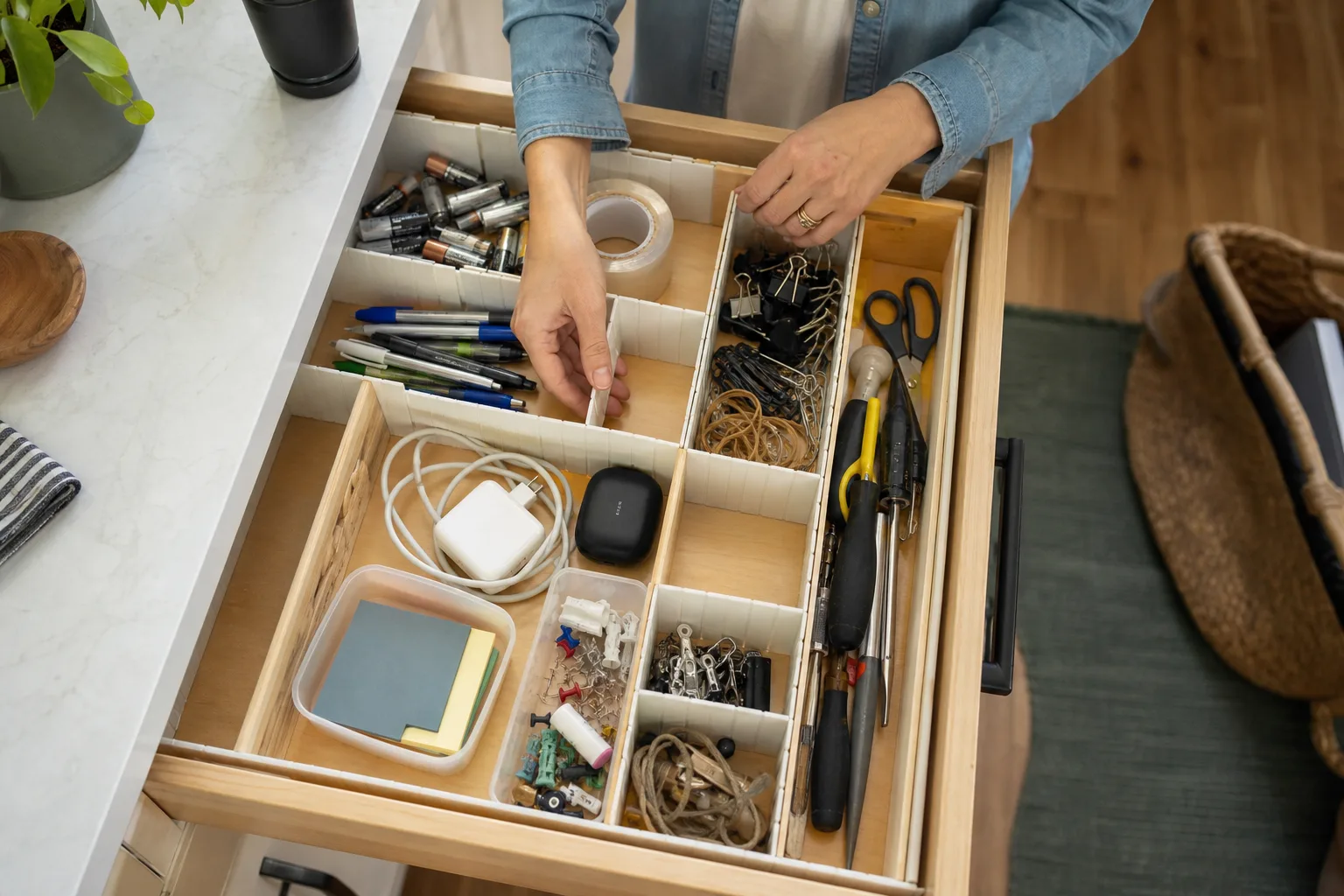 Organization
Drawer Dividers for the Kitchen Junk Drawer Reset
Divide by action—write, fasten, charge, measure—not by the random assortment currently filling the drawer.
Read guide → Organization
Shoe Storage for Narrow Entryways and Busy Households
Keep the active rotation near the door while protecting a clear walking path and giving wet footwear room to dry.
Read guide →