
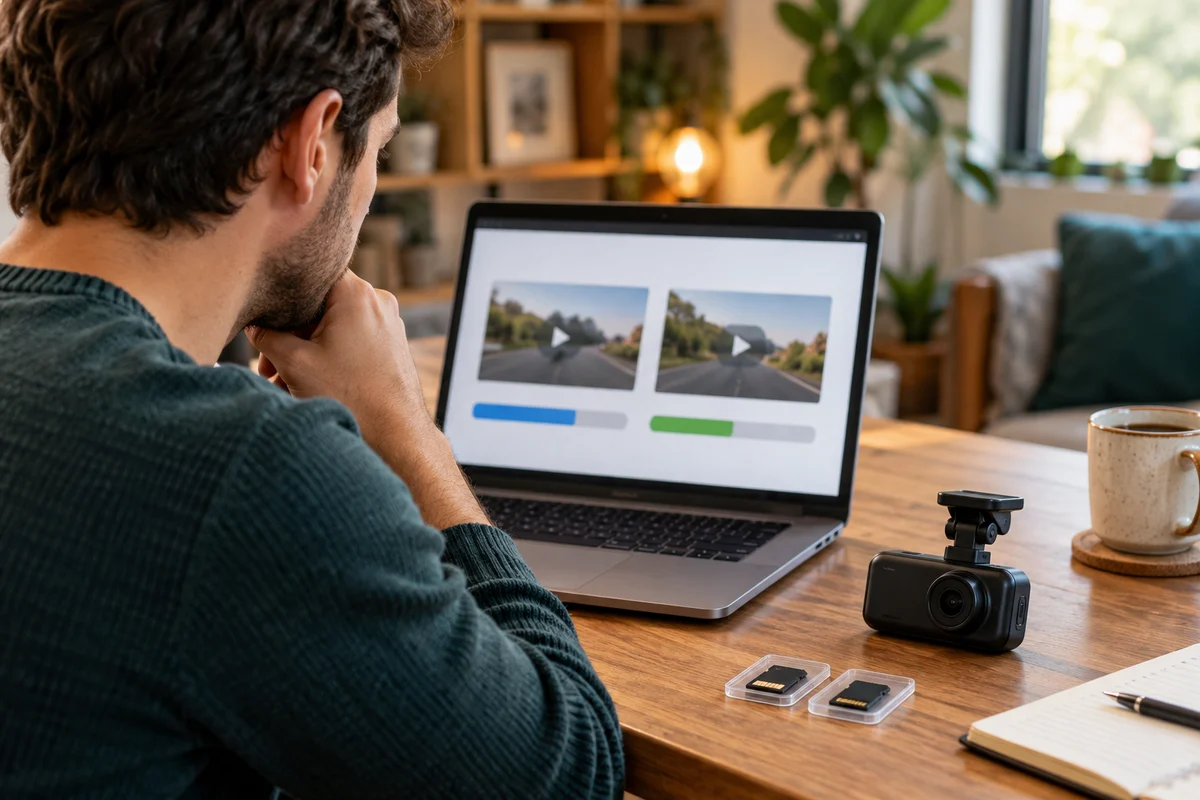
AI-generated scene illustration; not a photograph of the recommended product.
A driver selects 4K and assumes every remaining quality control is redundant. Another driver selects Maximum bitrate and expects every license plate to become readable. Both shortcuts skip the actual decision: how much recording data is useful for the detail, motion, and retrieval task.
A329S separates bitrate from resolution and frame rate. Before buying more storage or replacing the camera, understand what that additional setting can change and what it cannot promise. This guide focuses on choosing a quality setting, not repeating the SSD installation or retention worksheet.
The short answer
The A329S manual lists Low, Normal, High, and Maximum video bitrate options. It says higher bitrate may improve video quality and smoothness, particularly with motion or high-contrast scenes, while reducing available recording time. Lower bitrate saves space.
That is a tradeoff, not a guarantee that Maximum solves blur, glare, focus, exposure, or an obstructed view. Compare ordinary original files from a supported setup and decide around useful detail. We have not tested these settings or measured the camera’s actual encoding rates.
Contents
- The short answer
- Different quality controls
- Detail before file size
- A controlled comparison
- Storage consequences
- A purchase comparison card
- Buying advice
- Frequently asked questions
- Sources and verification
Different quality controls
Resolution describes the recorded frame dimensions. Frame rate describes how often frames are recorded in the chosen mode. Bitrate concerns the amount of data used to encode video over time. A large frame size is not the same thing as a particular data rate.
The A329S manual presents bitrate separately from resolution and loop duration. Do not read a menu label as a universal specification for every channel, firmware version, or recording mode.
Our HDR and frame-rate guide explains another separate choice. Selecting a bitrate does not remove the documented relationship between HDR and the available front-camera frame rate.
A practical note should therefore contain at least the model, firmware, active channels, resolution, frame rate, HDR state, and selected bitrate label. “4K, best quality” leaves too much information missing to explain an actual comparison.
Detail before file size
Start with the purpose of the recording. You might want to understand a road event, distinguish a lane boundary, or read information that is reasonably present in the original view. Do not begin by assuming every distant moving plate must be legible.
A bitrate control does not change the physical size of that plate within the frame. It also does not move the camera, clean glass, remove a reflection, or manufacture detail that the optical and exposure conditions did not capture.
When a file looks disappointing, identify what is missing. Is the subject too small, blurred by motion, obscured, too dark, or affected by block-like compression? These observations help formulate a support question without declaring a certain cause.
Do not diagnose the encoder from a compressed social-media upload. An edited or recompressed copy introduces another processing step. Compare the actual original file through a supported playback route before spending money on a different card or camera.
A controlled comparison
If you already own the camera, configure supported options only while safely parked. Follow current instructions and avoid changing several quality settings together. Keep a version note so the resulting files can be interpreted.
Use ordinary permitted recordings rather than staging dangerous traffic maneuvers. Similar scenes can still differ in weather, speed, lighting, and traffic. Record these differences instead of calling an informal comparison a laboratory test.
Preserve the originals used for the decision and view them on the same suitable playback setup. A phone gallery preview may use a different size or quality than the downloaded original. Confirm which object is actually being judged.
Compare useful details and distracting artifacts, not just file size. A larger file demonstrates additional data, but not automatically a meaningful improvement for your purpose. Equally, a small preview that looks similar does not prove the original files are identical.
Storage consequences
Higher data use can reduce the history available before looping overwrites old material. That matters when a household retrieves files infrequently. The relevant question is whether the chosen quality setting still supports the preservation routine.
VIOFO’s recording-time support page separates camera configurations and bitrate information. Do not copy a duration from a different model or read a table image without checking its headings.
Our card-and-SSD guide covers storage roles and a method for estimating retention from actual files. Use that separate worksheet after selecting a recording configuration. This article does not supply invented A329S megabits-per-second measurements.
Do not reduce quality solely to reach an attractive number of days. If the resulting file no longer answers the household’s useful-detail question, additional history may preserve more material that does not serve the task. Conversely, choosing the largest setting without a retrieval plan can shorten the time available to save a needed event.
A purchase comparison card
Use six fields: intended detail, supported recording configuration, bitrate option, original-file observation, storage consequence, and preservation routine. Add the date and firmware version. Mark an untested observation as untested.
For a prospective buyer without sample files, ask for manufacturer documentation and exact-model originals where legitimately available. Treat a promotional montage as a demonstration selected by its publisher, not a controlled comparison of all settings.
Include the storage and playback requirements in the full purchase cost. A camera that produces files the household cannot retrieve or play conveniently may require a different arrangement. Do not assume every accessory in a photograph is included.
A retailer’s quality claim should identify its basis. “Maximum bitrate” is a setting description, while “all plates readable” is an outcome promise that the label alone does not establish. Reject the latter inference rather than trying to solve it with a larger card.
Buying advice
A329S is worth considering when its supported quality options, recording configuration, storage, and retrieval routine fit the actual task. Choose the bitrate setting around useful original-file detail and an acceptable preservation window.
Do not replace a functioning camera because a menu offers a higher label than the one previously selected. Establish the actual limitation first. Cleaning permitted surfaces, correcting supported placement, or understanding the playback route may address a different problem without buying another recorder.
Pass on a purchase based on guaranteed plate recognition or a universal retention duration. Neither follows from the bitrate options. Check the current partner listing for the exact camera package and evaluate accessories separately.
Frequently asked questions
Is bitrate another name for resolution?
No. They describe different properties. Record resolution, frame rate, HDR, and bitrate separately when comparing files.
Does Maximum guarantee readable plates?
No. Subject size, motion, optics, lighting, exposure, and other conditions still matter. The setting is not an outcome guarantee.
Can a social-media preview prove two settings are identical?
No. The preview may have been resized or recompressed. Review appropriate original files.
Should storage be chosen before quality?
Treat them as linked decisions. Select a useful supported configuration, then check whether the storage and preservation routine can accommodate it.
Sources and verification
Checked October 29, 2026. Based on the complete retained A329S manual and current manufacturer support page. No bitrate, image-quality, or retention measurement was performed.
- VIOFO A329S manual, Video Bitrate and recording settings
- VIOFO configuration-specific bitrate and recording-time guidance
Keep reading
Related guides
 Garage & Workshop
A329S Settings Exports
Separate an A329S configuration export from video backup and firmware before deciding how to document a household dash-camera setup.
Read guide → Garage & Workshop
A329S Flicker Settings
Understand the A329S Frequency setting for recorded flicker and banding without confusing it with frame rate or guaranteed LED-sign readability.
Read guide → Garage & Workshop
A329S Snapshot Files
Separate A329S still snapshots from complete original video files when choosing what to save, review and share after a drive.
Read guide →